

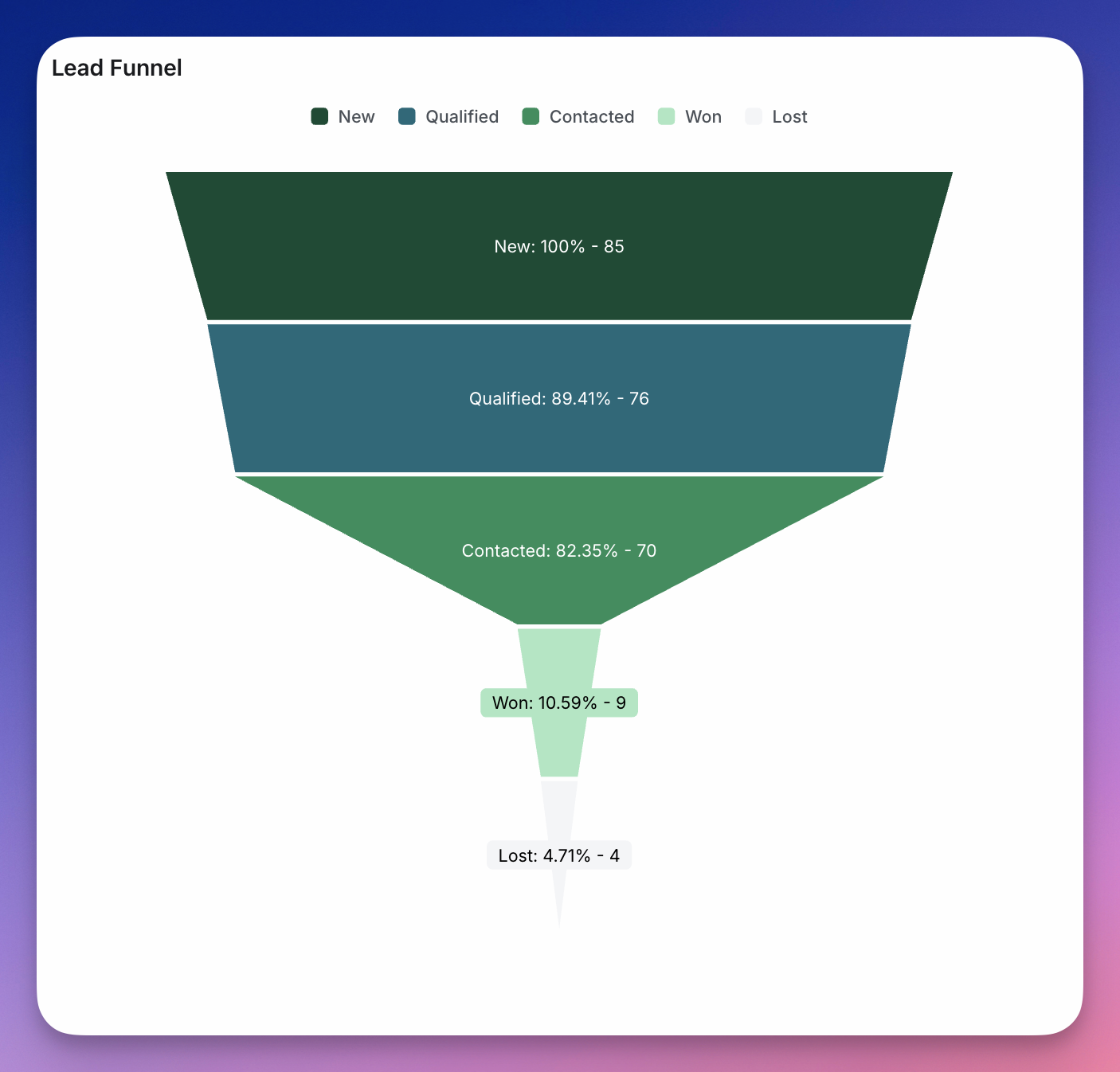
General settings
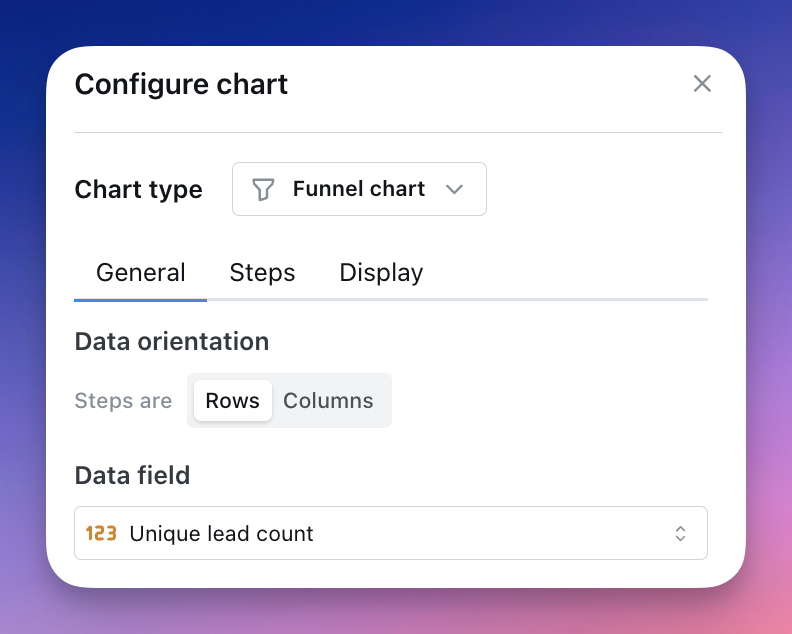
Data orientation switch to specify which orientation you would like to use.
When rows is selected, each row of your data represent one step. The first column in the data will be treated as the labels for the steps, and you can choose which numeric column to treat as the value of the step.
When columns is selected, you should have a numeric column for each step you want to display. Only the first row of data will be represented and the column names will be used as the step labels. Non-numeric columns will be ignored.